Image4k: Convert images to HD & 4K for free
Upscale photos to HD, 4K or 8K, resize for 80+ platforms, compress, or remove the background — up to 10 images at once, right in your browser.
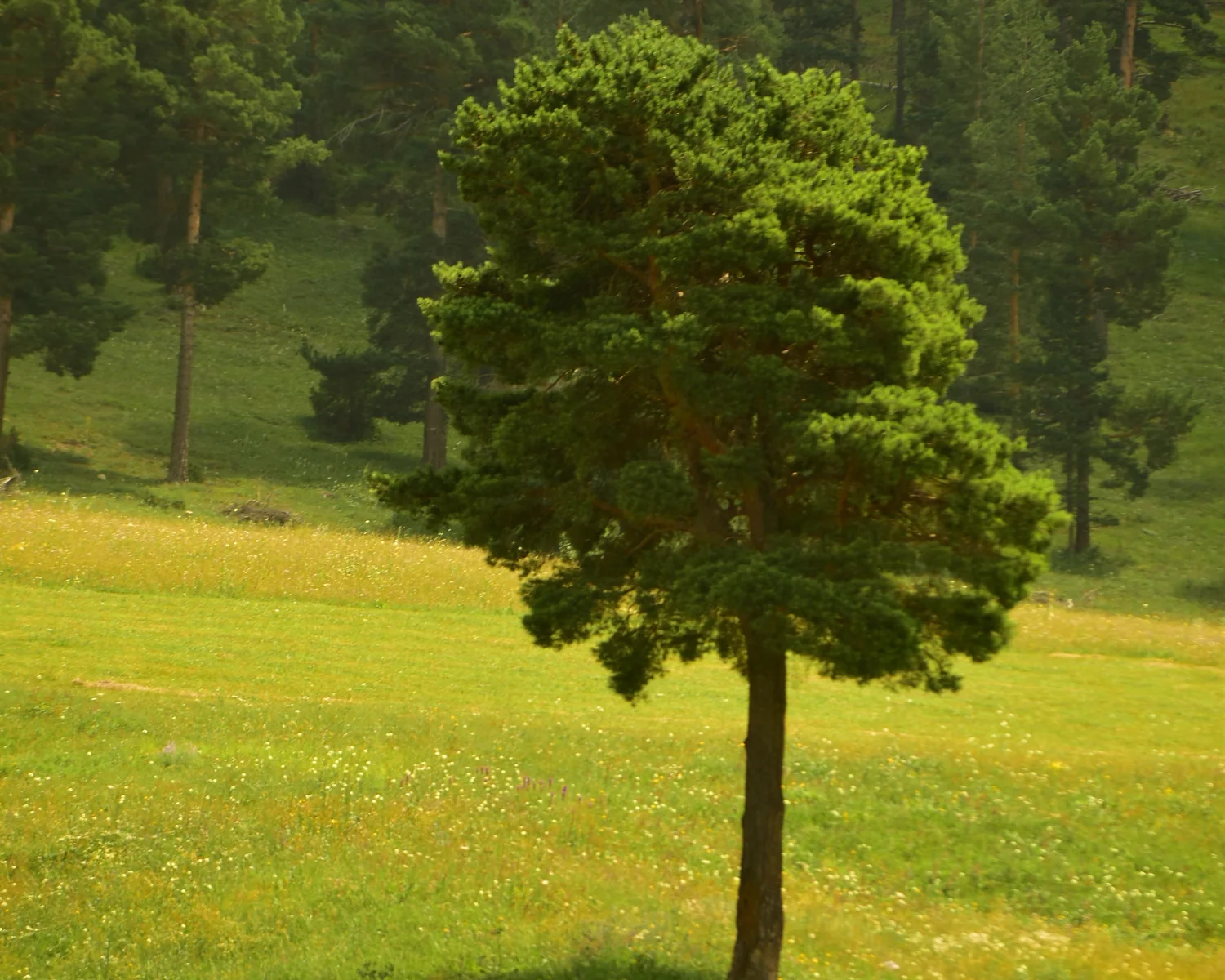
 BeforeAfter
Convert Photo to HD
Upload or drag and drop
Processed on your device — nothing is uploaded. By using Image4k you agree to the Terms and Privacy Policy.
1 Your images 0 / 10
2 Choose size
With the lock on, the height follows the first image's aspect ratio.
Keeps the original dimensions — handy for converting format. Turn on 4K Ultra HD in the options to upscale.
Keeps your image's shape. The resolution is set by the Upscale choice on the right.
Keeps the original size. Pick a preset to place the cut-out on a social-media canvas.
2 Compression
75–85% is visually lossless for most photos. Lower = smaller file.
Works with JPG, WebP and AVIF output. Image4k finds the best quality that fits.
Everything you need for perfect images
Four free tools in one place, built for creators, sellers, marketers and anyone who wants sharper, lighter, better-sized pictures.
Works with every format
Upload JPG, PNG, WebP, HEIC, AVIF, GIF, BMP or SVG and download JPG, PNG, WebP, AVIF, BMP, TIFF or ICO.
HD & 4K in seconds
AI super-resolution (Real-ESRGAN) rebuilds real detail, so small or blurry photos become crisp Full HD, 4K or 8K images.
Safe & private
Your images are processed on your own device and never uploaded. Location and camera metadata are removed from downloads.
How to convert an image to HD
How to
Upload
Drag and drop, paste, or pick up to 10 images from your device.
Choose a tool
Make HD, Resize, Compress or Remove BG — then pick a size like 4K or Instagram Story.
Convert
Choose JPG, PNG, WebP or another format and press the convert button.
Download
Compare before and after, then download each image or everything as a ZIP.
One site, four free tools
Switch tools any time — your uploaded images stay ready.
Make HD & 4K
AI upscaling 2×, 4×, to 4K UHD or 8K. Rebuilds sharp detail in photos, screenshots and logos for print, wallpapers and thumbnails.
Open Make HDResize for any platform
80+ ready sizes: Instagram, YouTube, Facebook, X, LinkedIn, Pinterest, Twitch, display ads and print — or enter your own.
Open ResizeCompress images
Shrink files by up to 90% with a quality slider or an exact target size in KB — perfect for websites and email.
Open CompressRemove background
AI cut-outs for people, products and pets. Keep it transparent, choose any color from the palette, or blur it.
Open Remove BGFrequently asked questions
Is Image4k really free?
Yes. Every tool is free with no sign-up, no watermark and no daily limit.
Are my images uploaded to a server?
No. All processing happens inside your browser on your own device. Your images are never uploaded or stored. Only the background-removal AI model is downloaded once from a public model host and cached by your browser.
How does Image4k make an image HD or 4K?
Image4k uses AI super-resolution that runs right in your browser. “AI Best” uses RealESRNet, a model trained for accuracy rather than invented detail, so text, faces and shapes stay true to the original while edges become sharp. “AI Fast” is a lighter model that is about 10× quicker. Output can be Full HD, 4K UHD (3840 px) or 8K (7680 px). With a graphics card (Chrome or Edge) AI Best takes seconds; without one it runs on the processor and can take several minutes, and Image4k tells you before it starts.
How many images can I process at once?
Up to 10 images per batch, up to 80 MB each. Download them one by one or all together as a ZIP.
Which formats are supported?
Upload JPG, PNG, WebP, AVIF, GIF (first frame), BMP, SVG and HEIC/HEIF from iPhone. Download JPG, PNG, WebP, AVIF (when your browser supports it), BMP, TIFF and ICO.
How does the background remover work?
An AI segmentation model runs in your browser to separate the subject from the background. “Any object” works on products, pets, people and things; “People” is a faster model tuned for portraits. Both run on any modern device. Then keep the background transparent, fill it with any color, or blur the original.
Why is my 8K image smaller than expected on iPhone?
Mobile browsers limit how large an image they can hold in memory. Image4k automatically caps the output at the largest size your device can safely handle and tells you when it does.